INSTALLING PERL
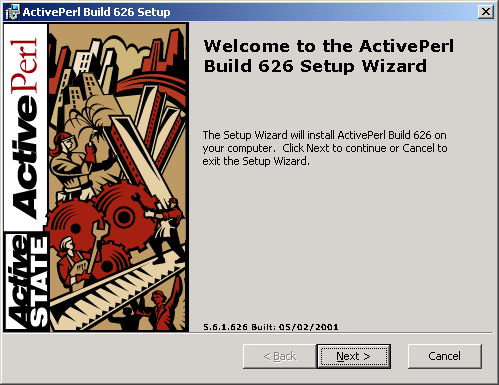
Download the latest version of Perl from ActiveState to your desktop. After the download process has completed, double click on the program to begin the installation process.
Choose Next to continue.
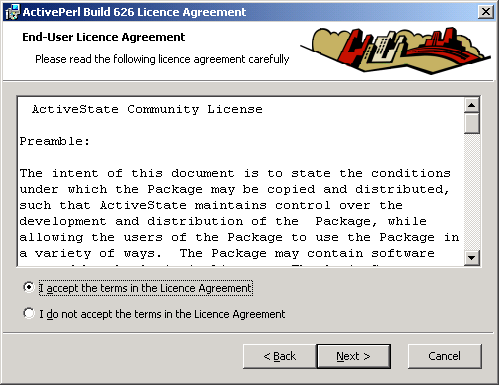
Accept the End-User License Agreement and choose Next to continue.
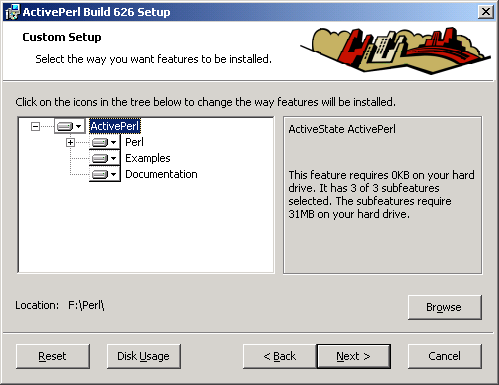
Change the installation path to match your computer. (This set up uses F:\Perl\.)
Choose Next to continue.
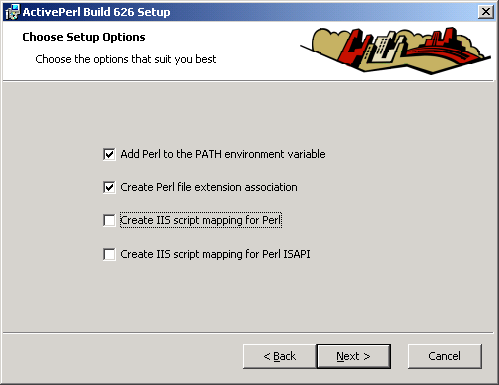
Verify the following choices are selected and choose Next to continue.
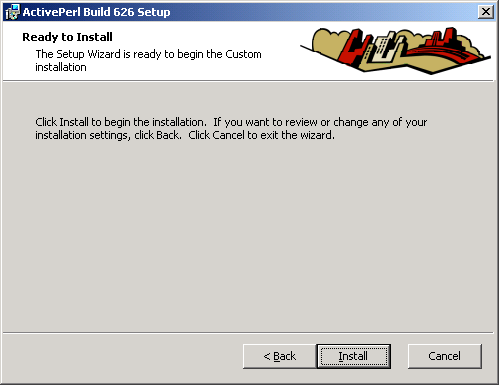
Choose Install to begin the installation process.
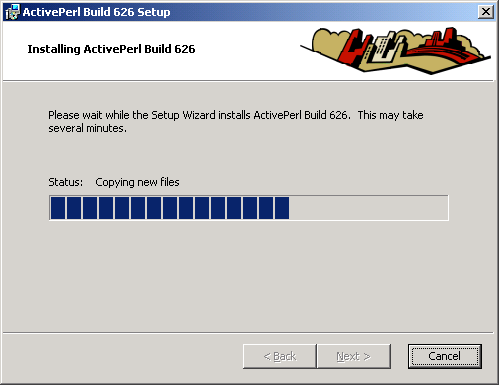
The installation will take a few minutes.
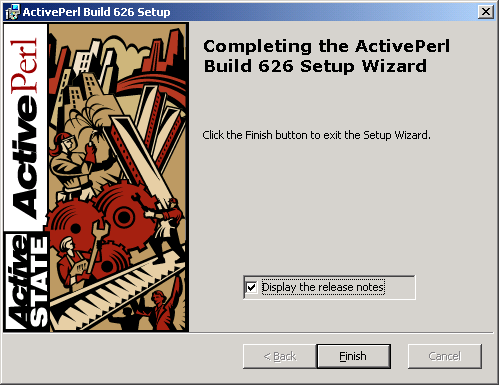
After a few minutes, choose Finish to complete the installation.
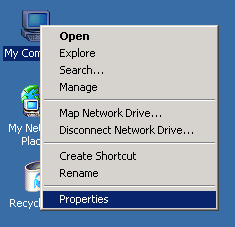
To verify the Perl path is set correctly, Right Click on My Computer and select Properties.
Select the Environment Variables from the Advanced tab.
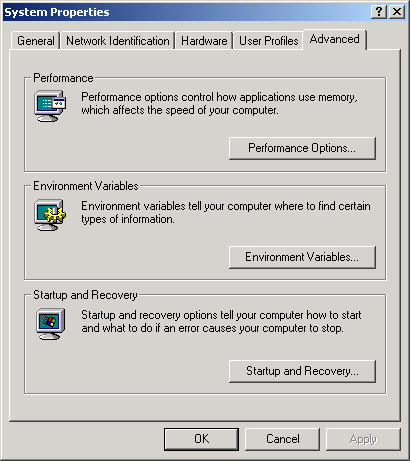
See the path listed under System Variables.

Choose OK to close the current windows. You have successfully installed Perl.
Now you can install MRTG.